Spotify Downloader
Download Track, Playlists, & Albums from Spotify
What is a Spotify Downloader?
SpotSaver is an online browser-based Spotify Downloader that helps users save Spotify songs, playlists, albums, and artist collections directly to their devices. People prefer to download Spotify music so they can listen offline without an internet connection. SpotSaver works on mobile phones, tablets, laptops, and desktop computers without installing any software.
SpotSaver is designed to be simple and easy to use. The process is straightforward: copy the Spotify track or playlist link and paste it into the input box. After that, the tool converts it to an MP3 file ready to download. This makes it convenient for users who want to store music on their device and play it anytime, anywhere.
SpotSaver stands out from other available sites because it offers the latest features that users actually need, fast conversion, high audio quality, and no registration required. This Spotify MP3 converter is completely safe and secure to use. It provides fast conversion and download times so users do not have to wait long. Everything runs directly in the browser, which makes the entire process easier and faster.
SpotSaver offers a complete set of tools for every Spotify downloading need. The Spotify Song Downloader lets users save individual tracks, while the Spotify Playlist Downloader downloads entire playlists with a single click. The Spotify Album Downloader allows users to download full albums, including every track, and the Spotify to MP3 Converter converts Spotify links into high-quality MP3 files. All tools are free to use, support unlimited downloads, and require no account registration or software installation.
How to Use a Spotify Downloader?
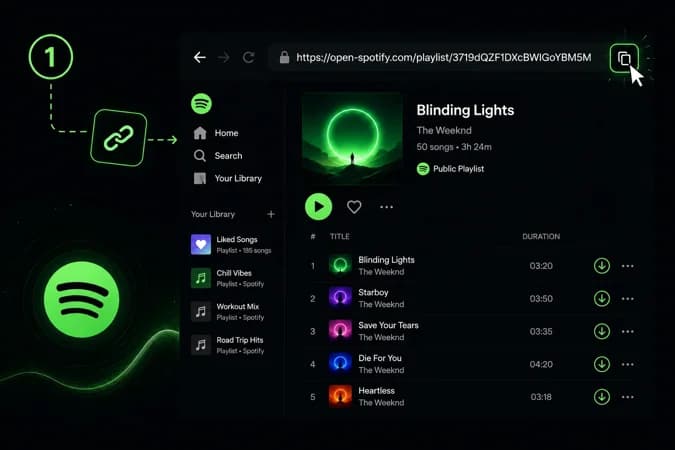
Copy the Spotify Link
Start by opening the Spotify app or website on your device. Find the song, album, playlist, or artist you want to save. Once you selected it, copy the URL using Spotify share option.
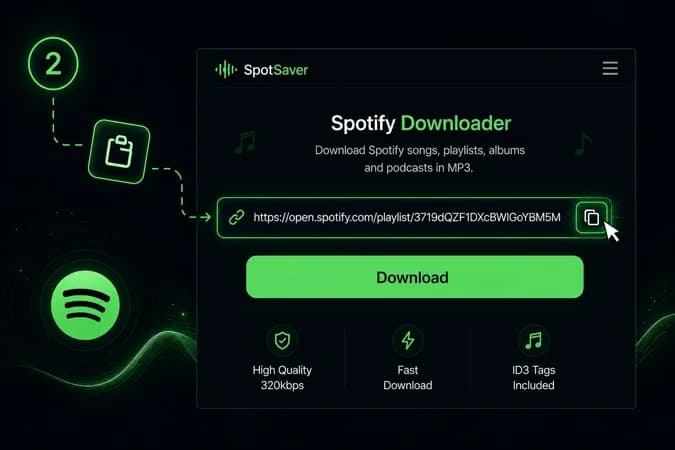
Paste the Link
Open the SpotSaver Spotify downloader in your browser. You'll see an input box on the homepage. Paste the copied Spotify link into this field. A quick paste button is also available for convenience.
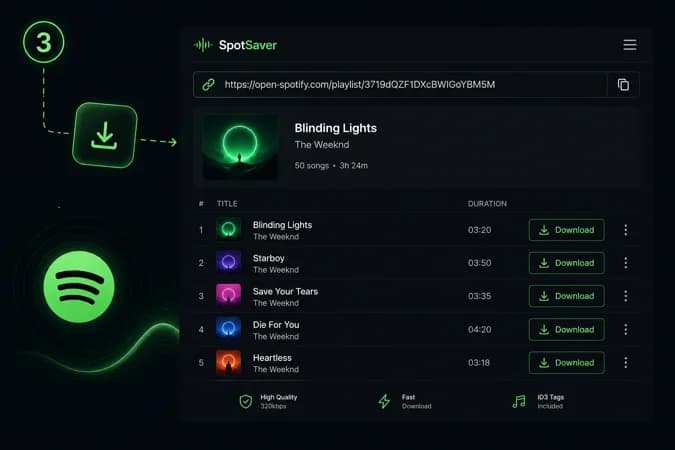
Start the Download
After pasting the link, click on the download button. The tool will process the link and display available results. Now you can select the track which you want and click on the Download button to start downloading.
Features of SpotSaver Spotify Downloader
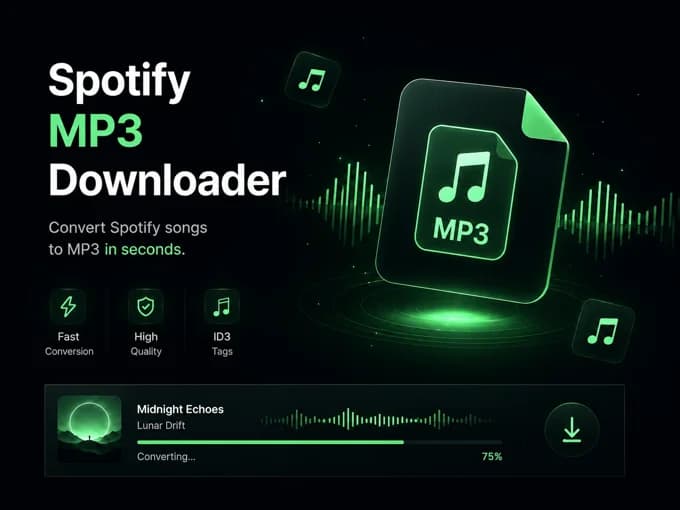
Spotify to MP3 Downloader
A simple, user-friendly, and free Spotify to MP3 converter that allows users to download music from Spotify. We've built our Spotify to mp3 downloader website with advanced features and functions. You can convert single songs. Otherwise, there is also a Spotify playlist downloader option to save multiple tracks at once. Just copy and paste the track, album, or playlist link, and the download starts in seconds. Or you can also search by using the name of a song, lyrics, artists, movies, etc. This Spotify MP3 converter is designed for personal use and works smoothly without complicated steps.
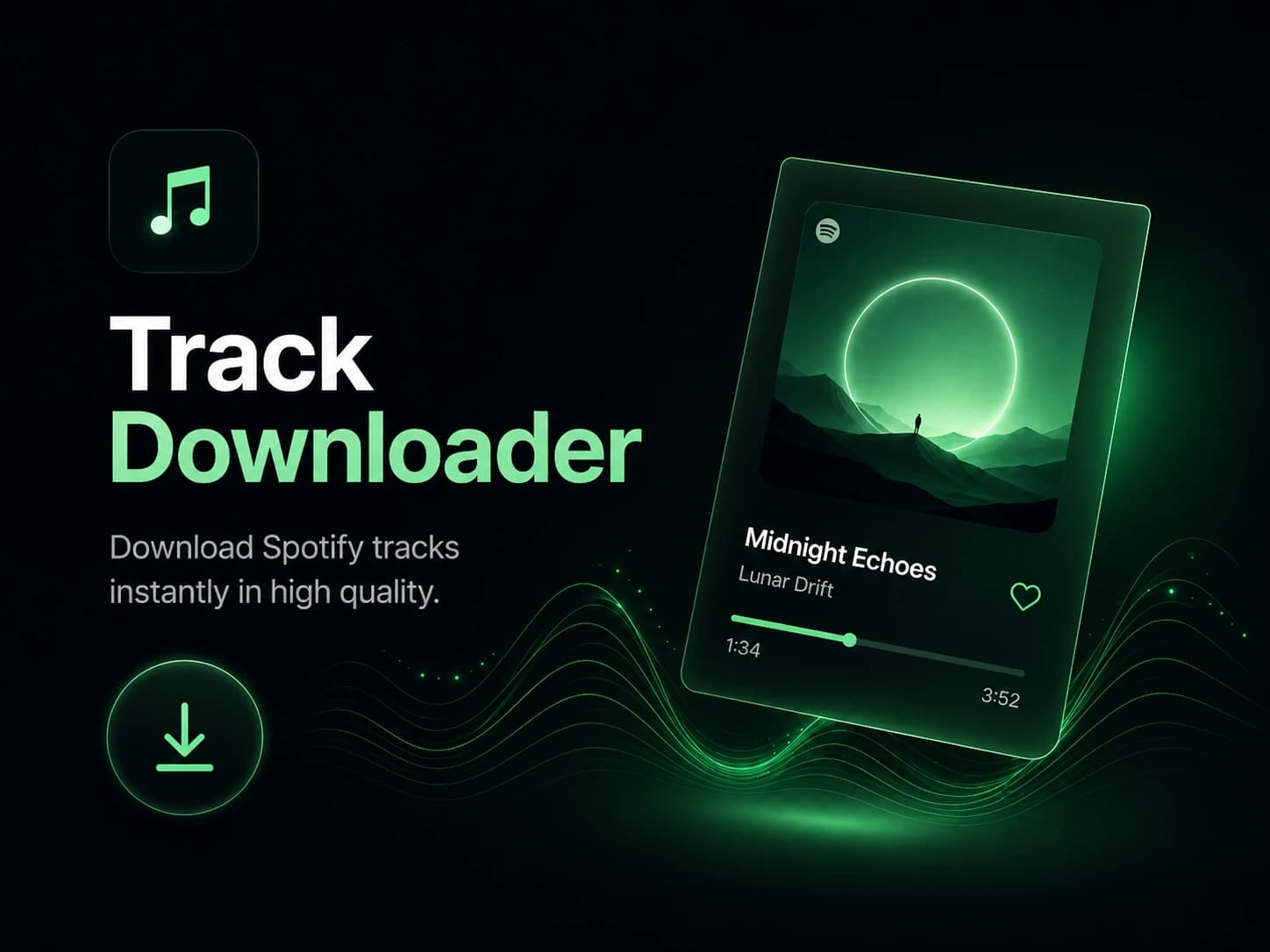
Track Downloader
The track downloader feature helps users to download individual Spotify songs or Spotify tracks. This track downloader allows users to download any Spotify track by simply copying and pasting the Spotify track link. The main benefit of using a Spotify song downloader is that users save songs at high audio quality. And also, the tool offers this without any payment or user registration, making the process simple, smooth and fast. Just visit our website fulfilled with the latest Spotify song downloader features, and download your favourite Spotify songs.
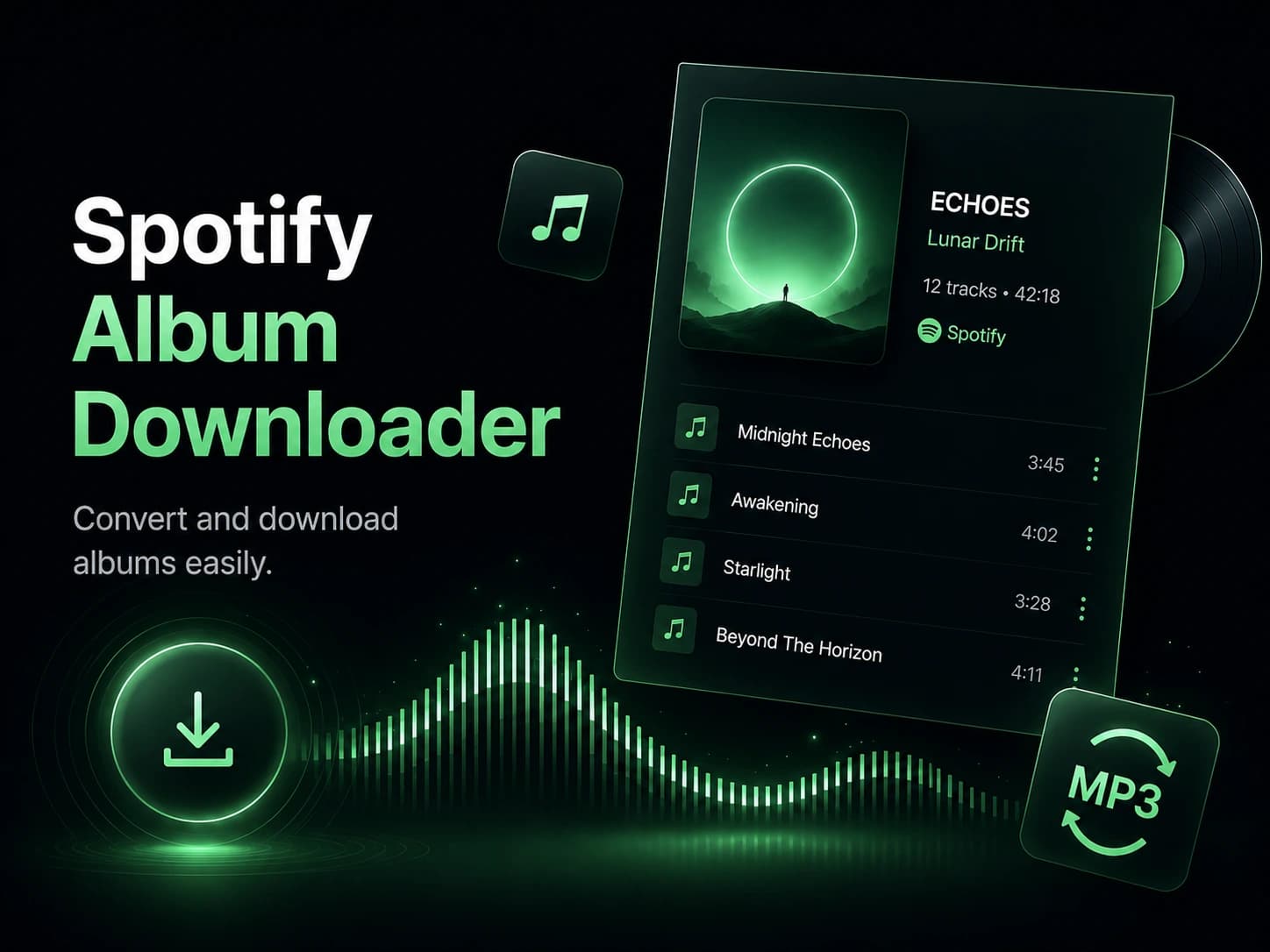
Album Downloader
The album downloader is another important feature of a Spotify downloader. This Spotify album downloader allows users to download full albums directly to their devices. It works on different devices such as mobile phones, tablets, laptops, and desktop computers. The interface is usually simple and easy to use, so users can use the album downloader without any technical knowledge. With the album downloader, users can either download individual songs from an album or download the entire album at once using a download all option. This saves time because users do not need to download each song separately.
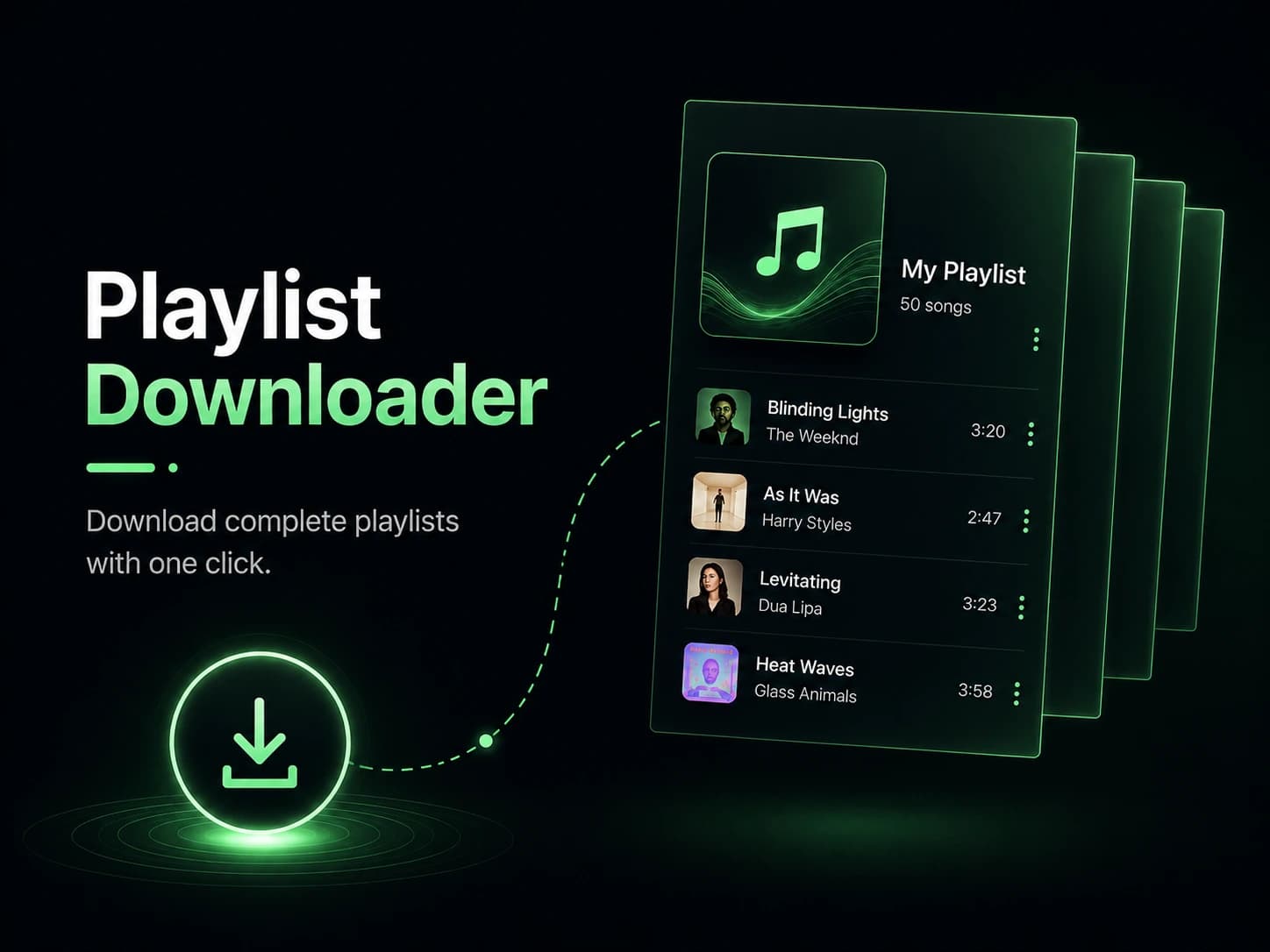
Playlist Downloader
The Spotify playlist downloader is used to download a complete playlist at once from Spotify instead of downloading tracks one by one. In this scenario, the Spotify playlist downloader feature is very helpful. Just copy the URL of the playlist you want, paste it into the input field above, and start the download. Another benefit of a Spotify playlist downloader is that on our website, you don't need to create an account. Let's just chill on this latest playlist downloader.
Why should you use SpotSaver?
Safe and Secure
Spotify MP3 downloader is designed and facilitates with user safety in mind. This website keeps the process fast, secure, and users do not need to install any third-party app, software or share personal information.
High Quality MP3 Audio
This online downloader tool allows users to download Spotify songs in high audio quality. It offers to download songs in up to 320 kbps bitrate, which keeps the sound clear and enjoyable.
Free Unlimited Downloads
This online Spotify downloader is completely free to use. There are no download limits, which means users can download as many songs as they want. It supports unlimited downloads, allowing users to save their favourite Spotify music without restrictions.
Fast Spotify Song Downloads
Spotify Song Downloader downloads songs quickly, with no long waiting times. The tool uses optimized processing to convert Spotify to MP3 format in a short time. Users can download their favourite songs smoothly and enjoy their offline music collection.
Works Across All Devices
Whether you are on a desktop, tablet, or mobile phone, a Spotify downloader works smoothly across all platforms. It becomes easier and beginner-friendly to keep your playlists organized and ready to play anytime.
No Account Needed
There is no need to sign up or log in before using a Spotify downloader.You can start converting your favourite tracks instantly, without having to register.This makes the whole process quicker and more straightforward.